Need for Speed Underground 2: Last Breath Mod Review and Setup Guide
I still remember the exact feeling of firing up Need for Speed: Underground 2 back in the golden era of tuner culture. The opening bassline of "Riders on the Storm," the hiss of a blow-off valve echoing between downtown skyscrapers, and neon underglow reflecting off wet tarmac captured the peak Y2K street racing dream better than anything else. Decades later, nothing matches the atmosphere of cruising through Bayview in a tuned Nissan Skyline or Mazda RX-7.
When you boot the stock PC version on a modern gaming monitor, age catches up fast. Blurry roads, stretched HUDs, and low-res skyboxes take you out of the experience. Many modern graphic mods push the visuals too far by slapping on oversaturated ReShade presets that wreck the game's iconic midnight art style.
That is why I keep coming back to the NFSU2 Last Breath mod. Created by modder Stre1itzia, this package hits the absolute sweet spot for keeping the original atmosphere intact while giving the game the visual clarity it deserves. Having spent countless hours behind the wheel running this setup, here is why it remains the ultimate way to play NFSU2 today.
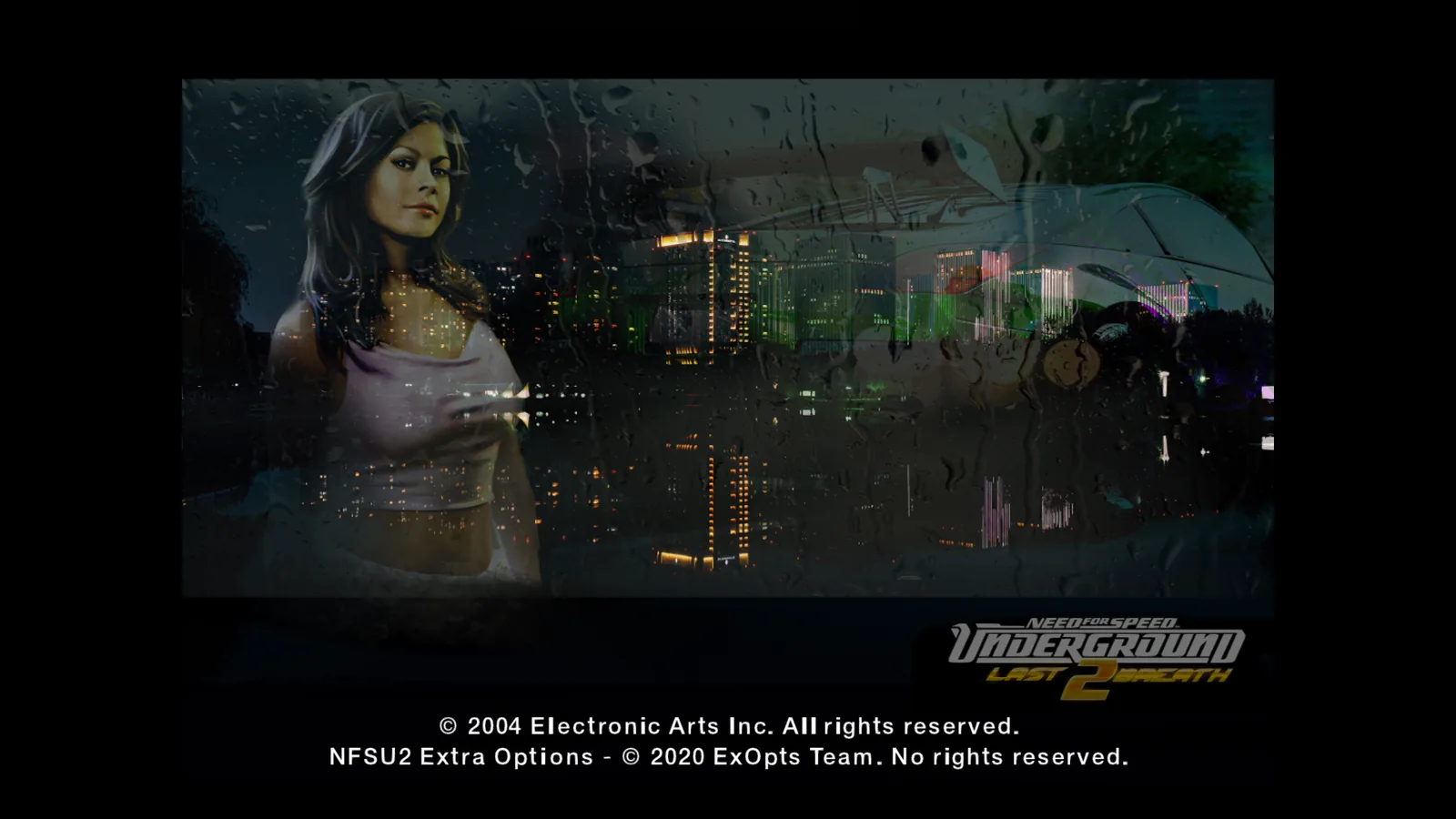
What Is the Last Breath Mod?
NFSU2 Last Breath (specifically the final v.26052020 release) is a visual overhaul pack built to upgrade the original game without turning it into something unrecognizable. Rather than attempting a messy total engine conversion, Stre1itzia compiled hand-picked community fixes and high-resolution textures directly into the native game engine.
The pack bundles several essential enhancements into a single, clean installation:
- True 4K Road Textures: Crisp tarmac running at 4096×4096 and 1024×8192 pixel resolutions.
- Over 250 World Textures: Rebuilt 1024×1024 textures for billboards, track barriers, and district signage.
- HDRI Skyboxes by BadassBaboon: Replaces pixelated night skies with smooth 8K sky panoramas.
- HD Reflections by Aero: Real-time cubemap reflections on car paint and damp pavement.
- Atmospheric Fog by AMTxDRxRL: Balanced fog distribution across coastal and mountain passes.
- Widescreen Fix by ThirteenAG: Full support for modern 16:9, 21:9, and higher aspect ratios.
- NFSU2 Extra Options by nlgzrgn: Built-in engine adjustments and quality-of-life tweaks.
Visuals and Performance: A Noticeable Leap Forward
The difference hit me the second I pulled out of Rachel's garage in the green 350Z. The graphical improvements jump out immediately. In the base game, driving at 160 mph turns the asphalt directly in front of your bumper into a muddy, blurry smear. With Last Breath's 4K road mapping, you can pick out individual seams, aggregate stones, and painted striping even while drifting sideways under full boost.
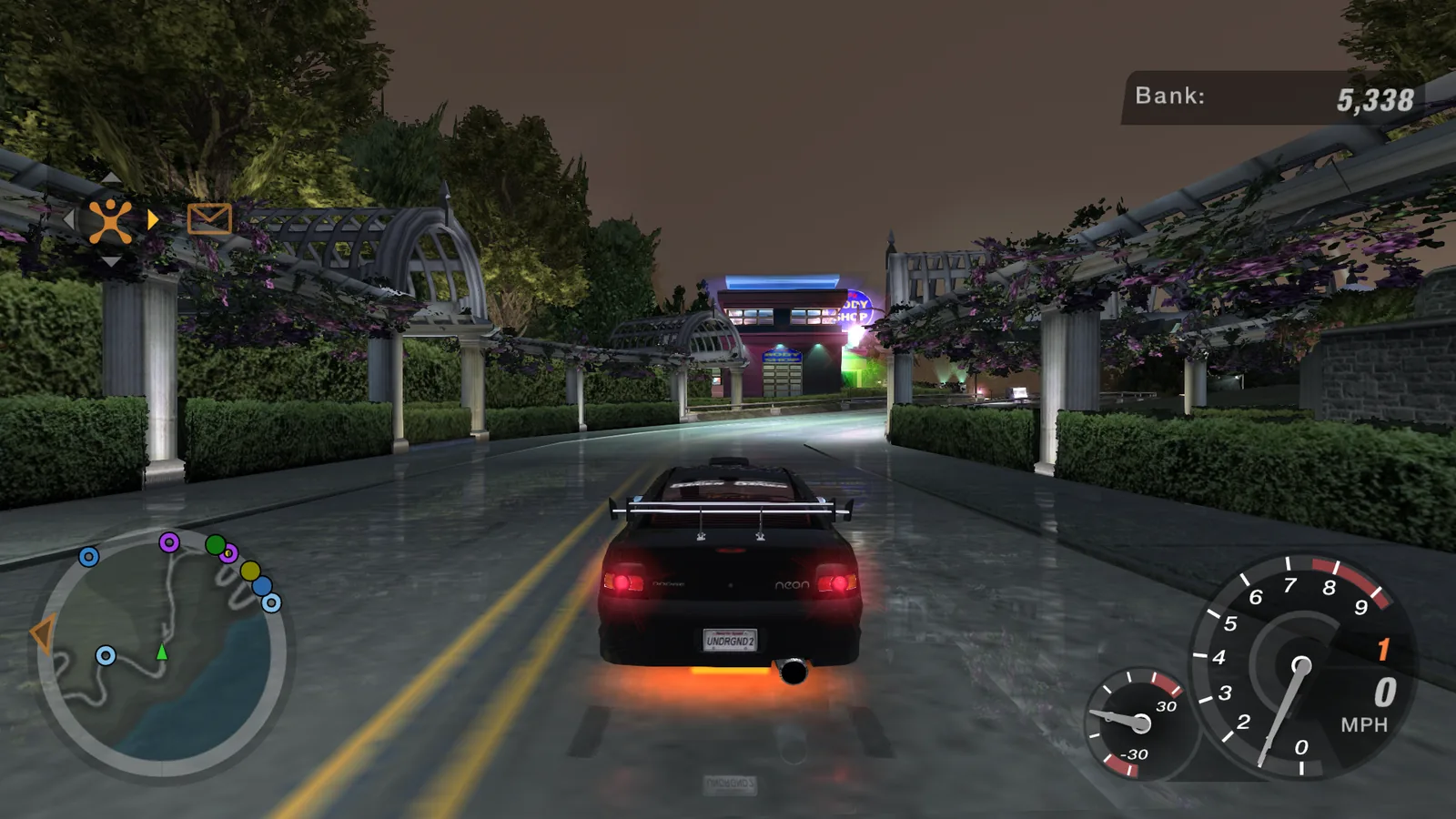
The lighting integration ties everything together. Aero's HD reflection plugin lets neon signs from downtown hotels cast vibrant pink, blue, and green streaks across your car's clear coat. Combined with BadassBaboon's smooth skyboxes, Bayview feels deeper, darker, and more atmospheric than ever before.
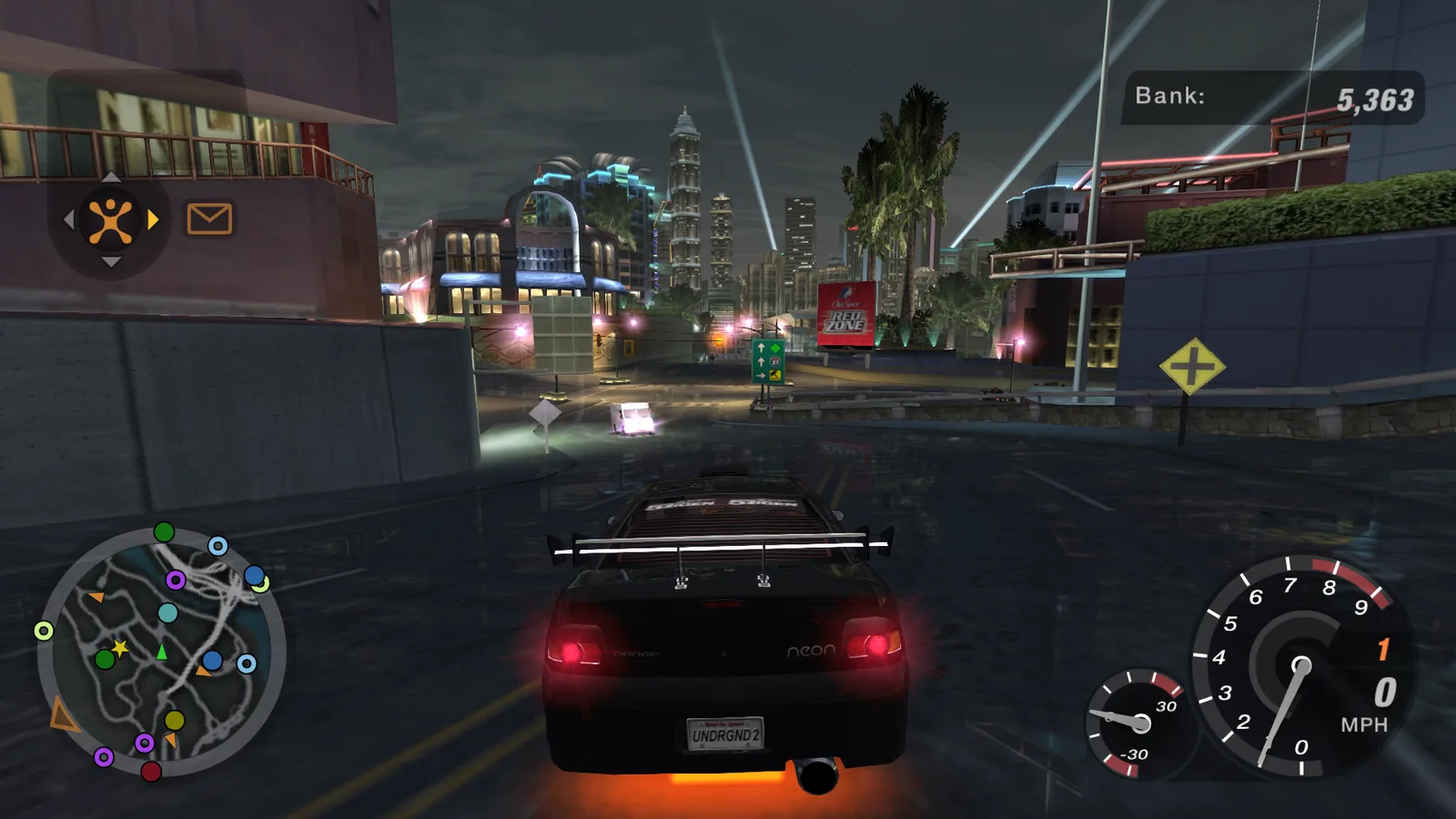
Performance is flawless. Running the game maxed out at native high resolutions, my frame rates stayed completely locked. There is no micro-stuttering, no frame drops around busy intersections, and zero visual lag. The engine runs smoothly from start to finish.
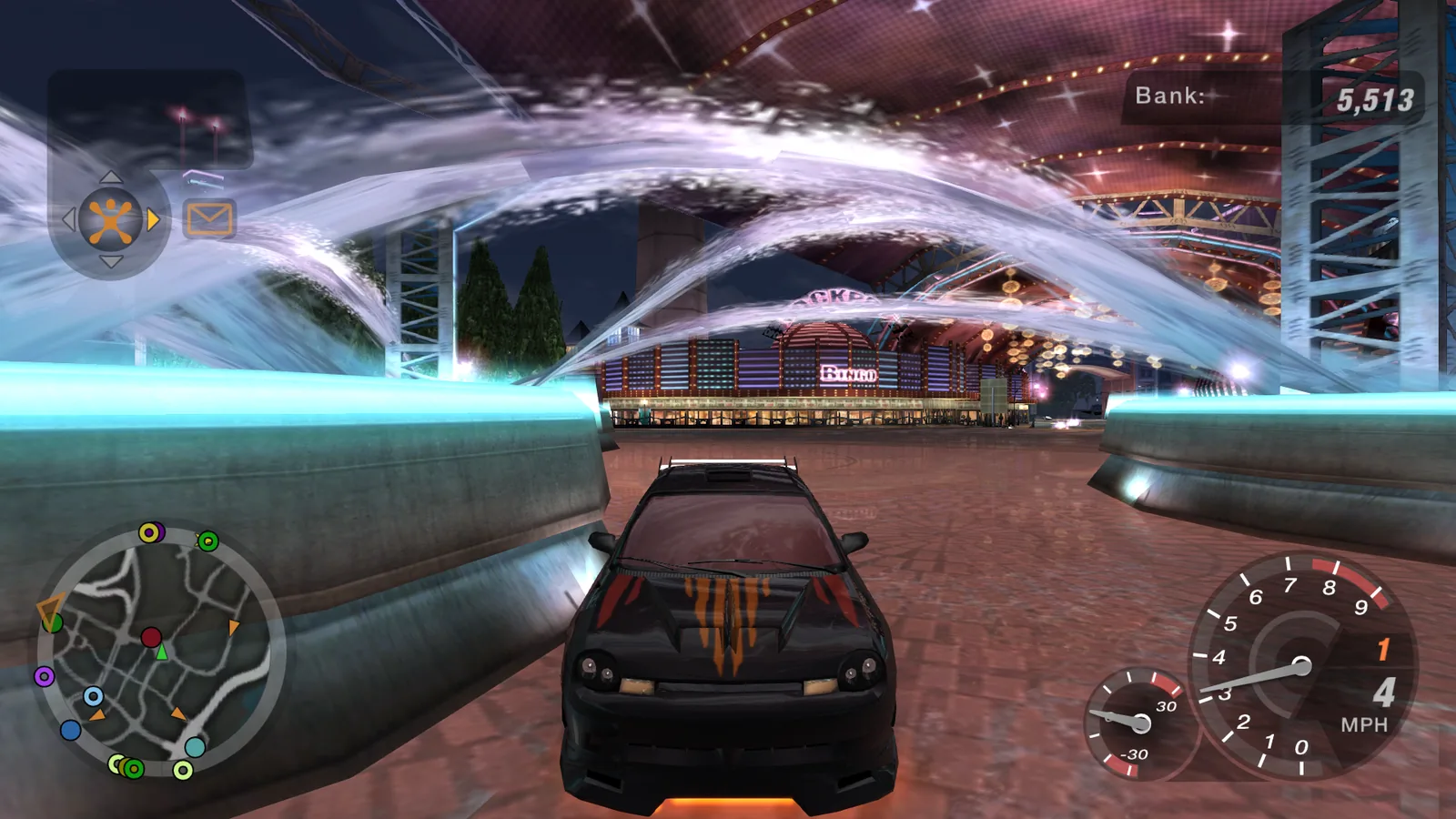
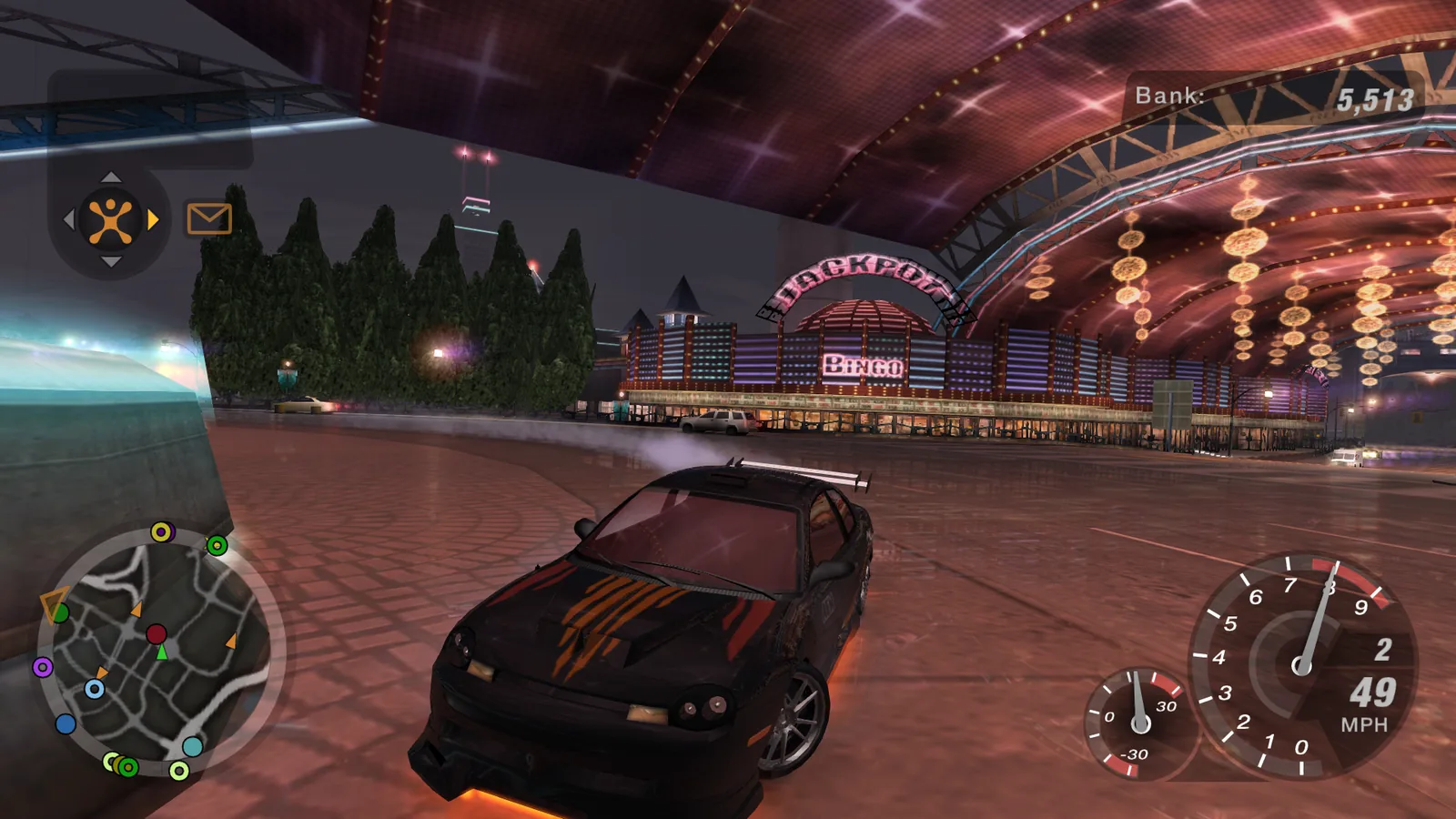
The visual quality is so striking that it left me dreaming about future possibilities. If this 2004 engine looks this crisp purely through high-res asset replacement and reflection hooks, I can only imagine what it would look like with DLSS on.
How to Install and Play Last Breath
Setting up Last Breath takes only a few minutes, but following the correct steps prevents startup crashes.
Step 1: Prepare a Clean Game Directory
Make sure your copy of Need for Speed: Underground 2 is patched to official version 1.2.
Pro-Tip: Do not keep your game inside C:\Program Files (x86)\. Modern Windows security permissions will often block the widescreen and script plugins from loading properly. Instead, move your game folder somewhere unrestricted, like C:\Games\NFSU2 or a secondary storage drive.
Step 2: Download the Archive
Grab the NFSU2 Last Breath v.26052020 package (the compressed file is roughly 381 MB). You can find archived copies on community repositories such as NFSMods (Mod ID: 1717) or Gamepressure.
Step 3: Copy the Files
- Open the downloaded archive using 7-Zip or WinRAR.
- Open the
LastBreathModfolder inside the archive. - Select all the contents inside that folder and drag them directly into your main Need for Speed: Underground 2 root directory, right next to your
SPEED2.EXE. - When prompted by Windows, choose to replace all existing files.
Step 4: Configure and Launch
Right-click your SPEED2.EXE, navigate to Properties, select Compatibility, and check Run this program as an administrator. Boot up the game, head into the graphic options, crank every slider to maximum, and head out to Jackson Heights.
Stability and Mod Compatibility
If you want a stable, crash-free playthrough, keep your install simple. Avoid stacking massive overhaul mods like ug2.net directly on top of Last Breath. Heavy car add-on packages alter the game's internal data tables and collide with Last Breath's massive texture assets, which can trigger random crashes during late-game career races.
Stick with Last Breath as your foundational visual layer. It gives you the sharpest, fastest, and most authentic way to experience one of the greatest street racing games ever made.